
Session 2: Alphabet Explorer
P, I, N · pin / nip · 8 teaching stages
Screen setup
How to use the screens
One screen: open the class screen and use its controls. Two screens: move the class screen to the TV and keep these notes on your laptop. Use the same browser on this computer; one controller per lesson. Internet is needed to load lessons and videos.
Slide 1 of 14 · Hello Routine
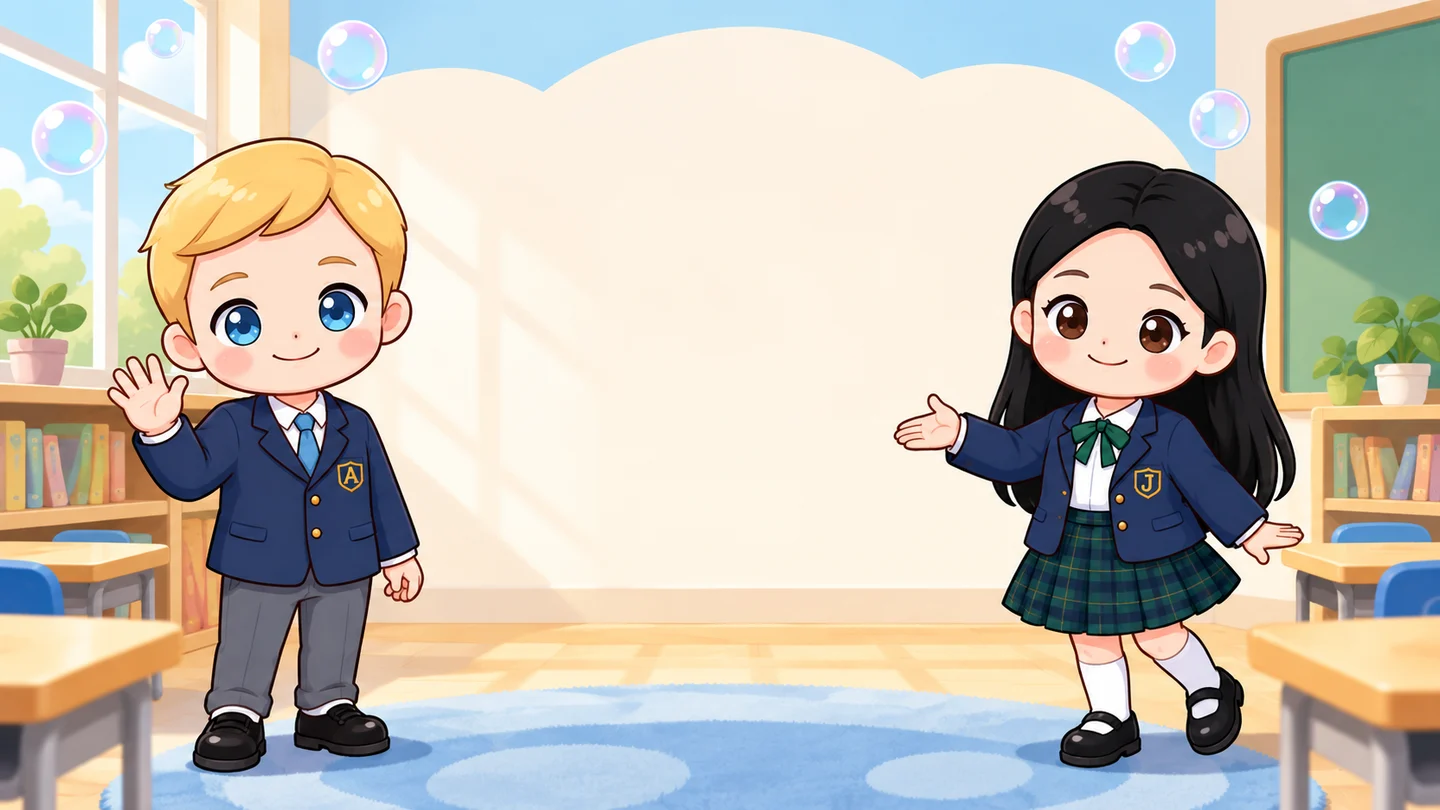
Alphabet Explorer
Hello, everyone!
Let's sing and start exploring.
Video sound starts from the class screen. If a video fails, choose “Use teaching card” and follow the lesson notes.
← → / Page Up / Page Down: slides · R: response / sounds · B: pause screen. Position is saved on this browser.
TEACHER NOTES · 0–4 MIN
Say to the class
- “Hello, everyone!”
- “Let's sing and start exploring.”
- Do
- Play Hello Song and welcome children to today's exploration.
- Look for
- Listen for children joining the greeting.
- If difficult
- Let children listen before joining one familiar line.
Home practice for this lesson
Families open this lesson directly. The home practice instructions are in Korean.
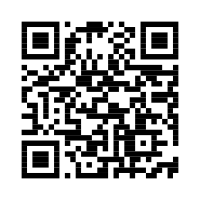
Scan the code with a phone, or copy the link.